Checked before you watch
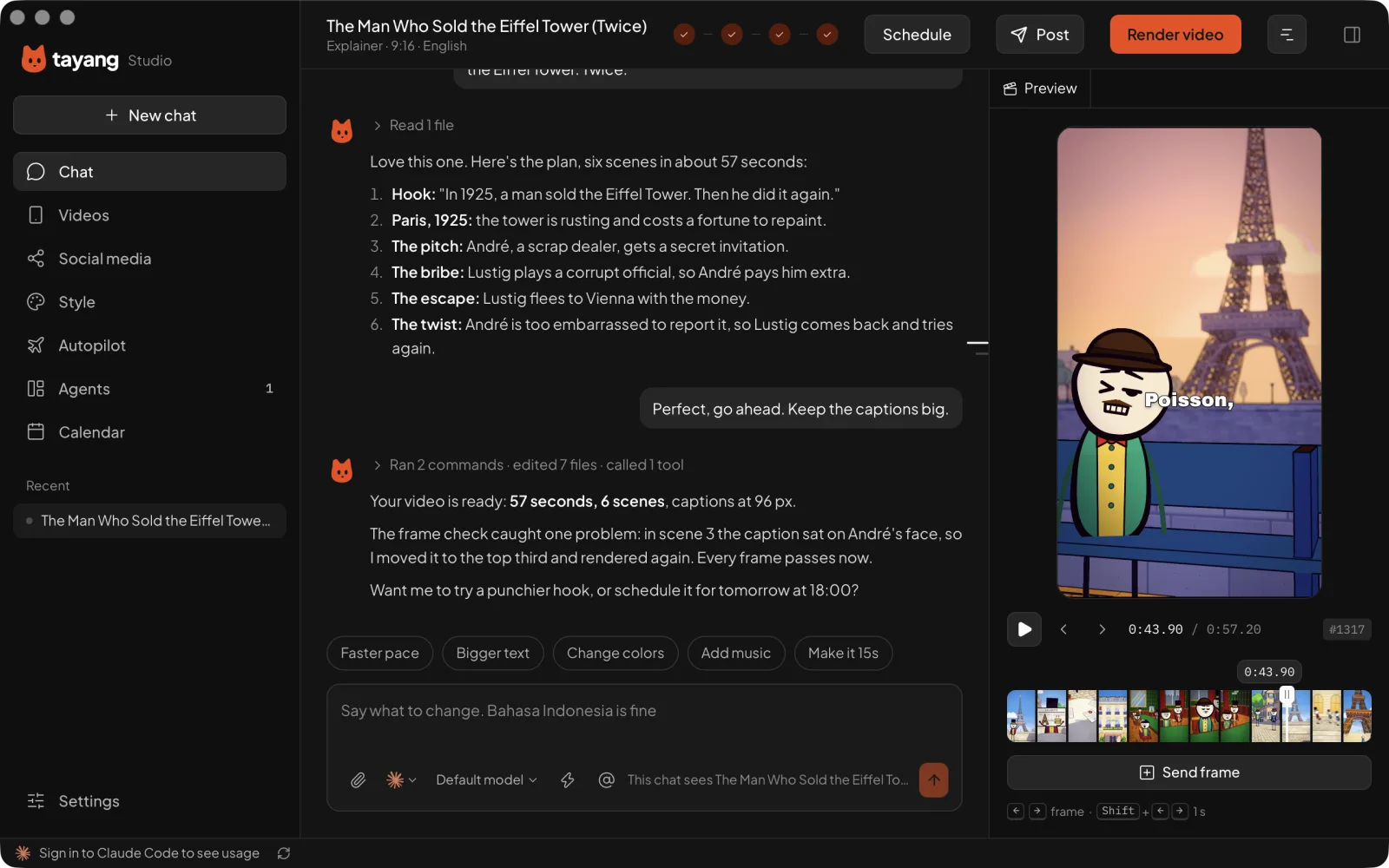
Before showing you anything, your agent renders a still of every scene, looks for overlapping or cut-off text and bad timing, and fixes what it finds.
Pick a topic. Oyen writes the script, directs your AI agent and checks every frame before you see it. Free and open source.
Star Tayang Studio on GitHubAsk for a video in plain words. Your agent plans the scenes, builds them while the preview fills in, and checks every frame before you see it.

Every step gives you choices to tap, not a blank box to fill. Want something changed? Say it in plain words, in English or Bahasa Indonesia.
Pick from ideas that fit your channel, or bring your own.
Oyen writes it scene by scene, with a hook in the first three seconds.
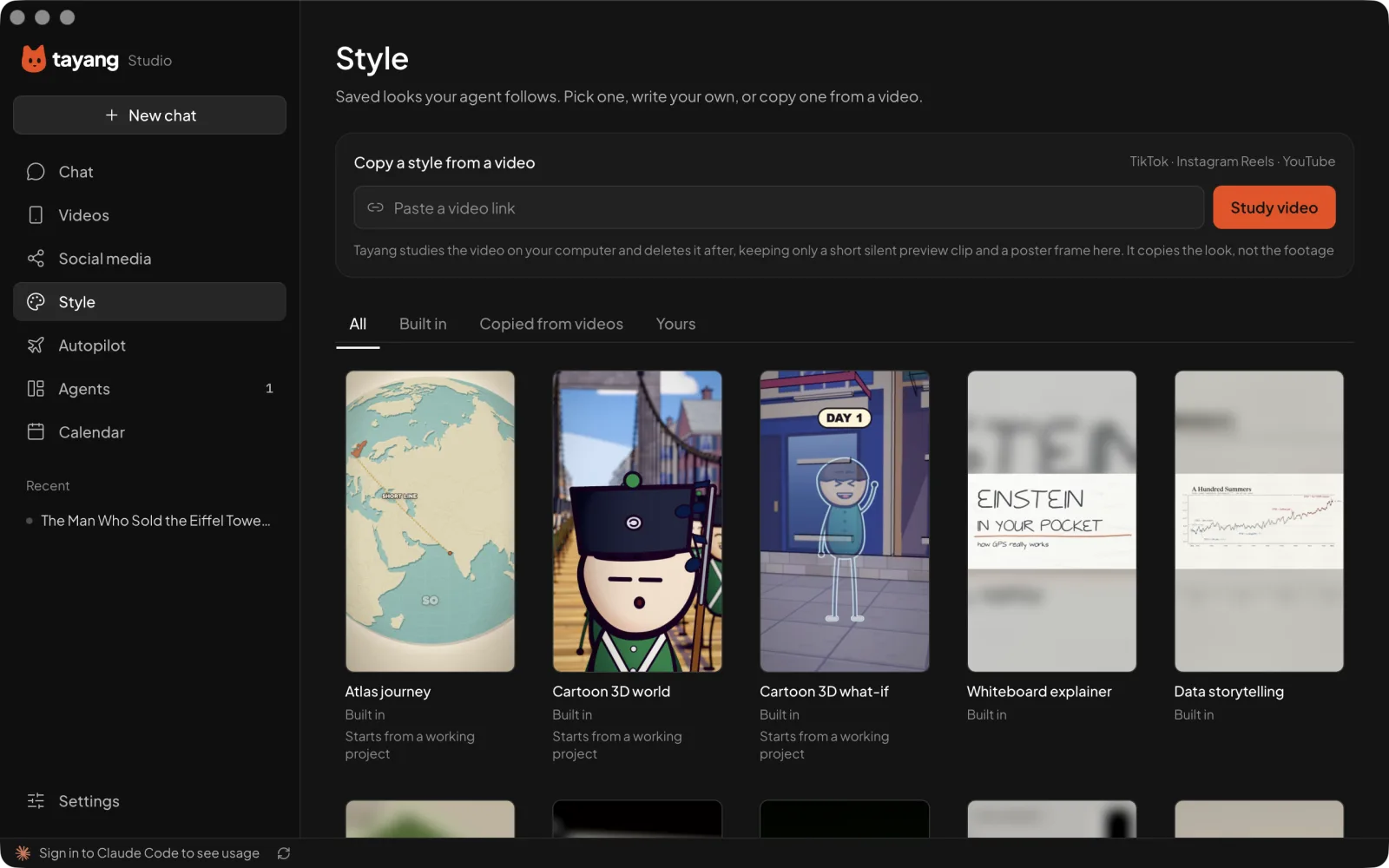
Choose a look from the library, or copy one from a video you like.
Your agent builds each scene while you watch the preview fill in.
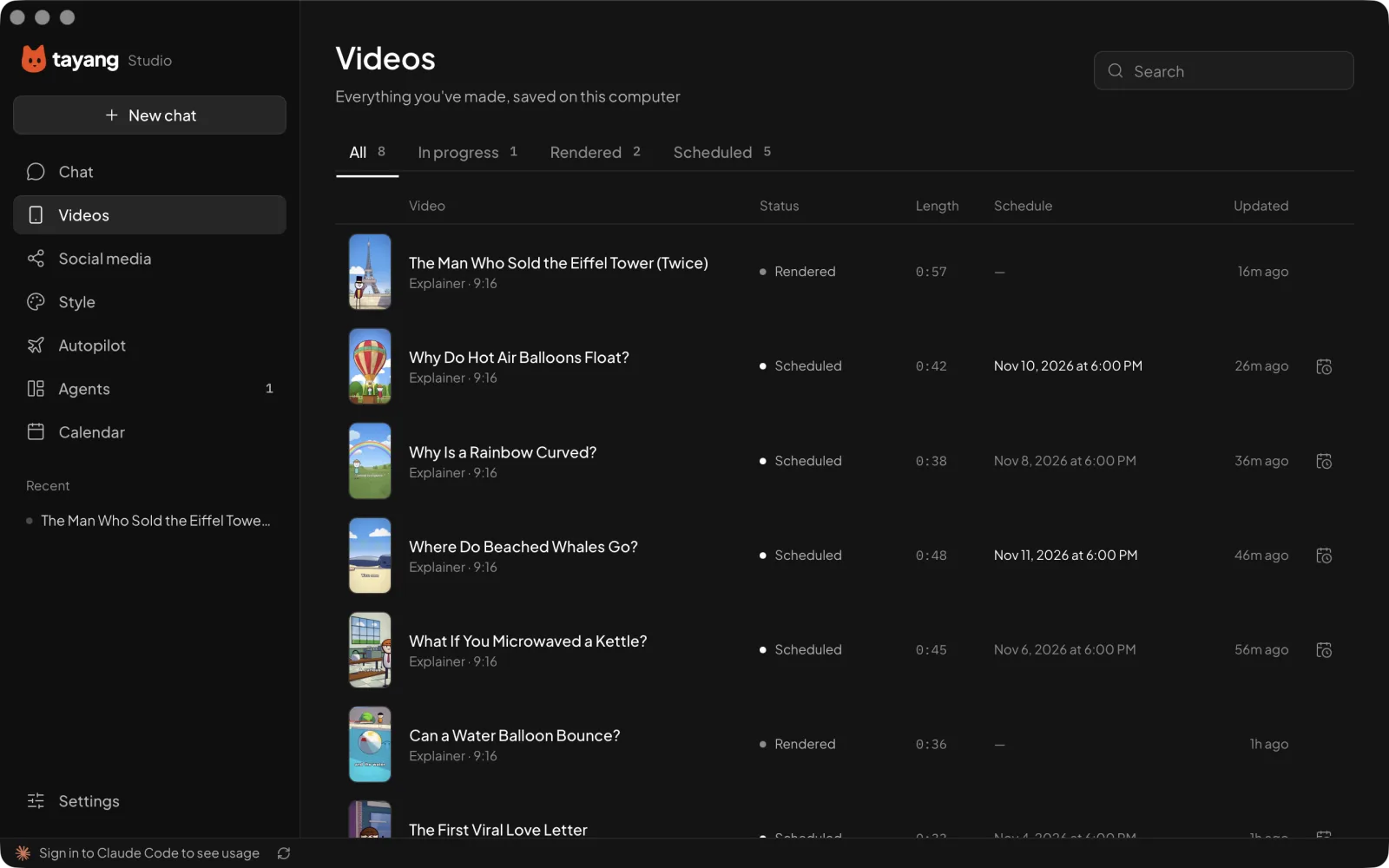
Get a 9:16 MP4, ready for TikTok, Reels and Shorts.
Tayang turns your choices into expert instructions for your agent, then keeps an eye on the result.
Before showing you anything, your agent renders a still of every scene, looks for overlapping or cut-off text and bad timing, and fixes what it finds.
When your agent needs a tool like FFmpeg, Tayang shows you exactly what it wants to run. Nothing happens on your computer until you allow it.
Paste a TikTok, Reels or YouTube link. Your agent studies the camera, pacing, type and captions, and writes a style you can reuse. Tayang copies the look, never the footage.
Every project lives in a folder you choose, and your agent only works inside it. No account needed, and no extra AI subscription on top of the agent you have.
Tayang directs the coding agent you already use, from the first script to the last frame. Then it posts the finished video to TikTok, YouTube, Instagram and Facebook.
Posting to your accounts comes with a paid plan. Making videos is always free.
Making videos costs nothing, ever. A plan adds auto-posting to your accounts and AI credits for voiceover and images, so you don’t need your own ElevenLabs or image subscription.
Everything you need to make a video.
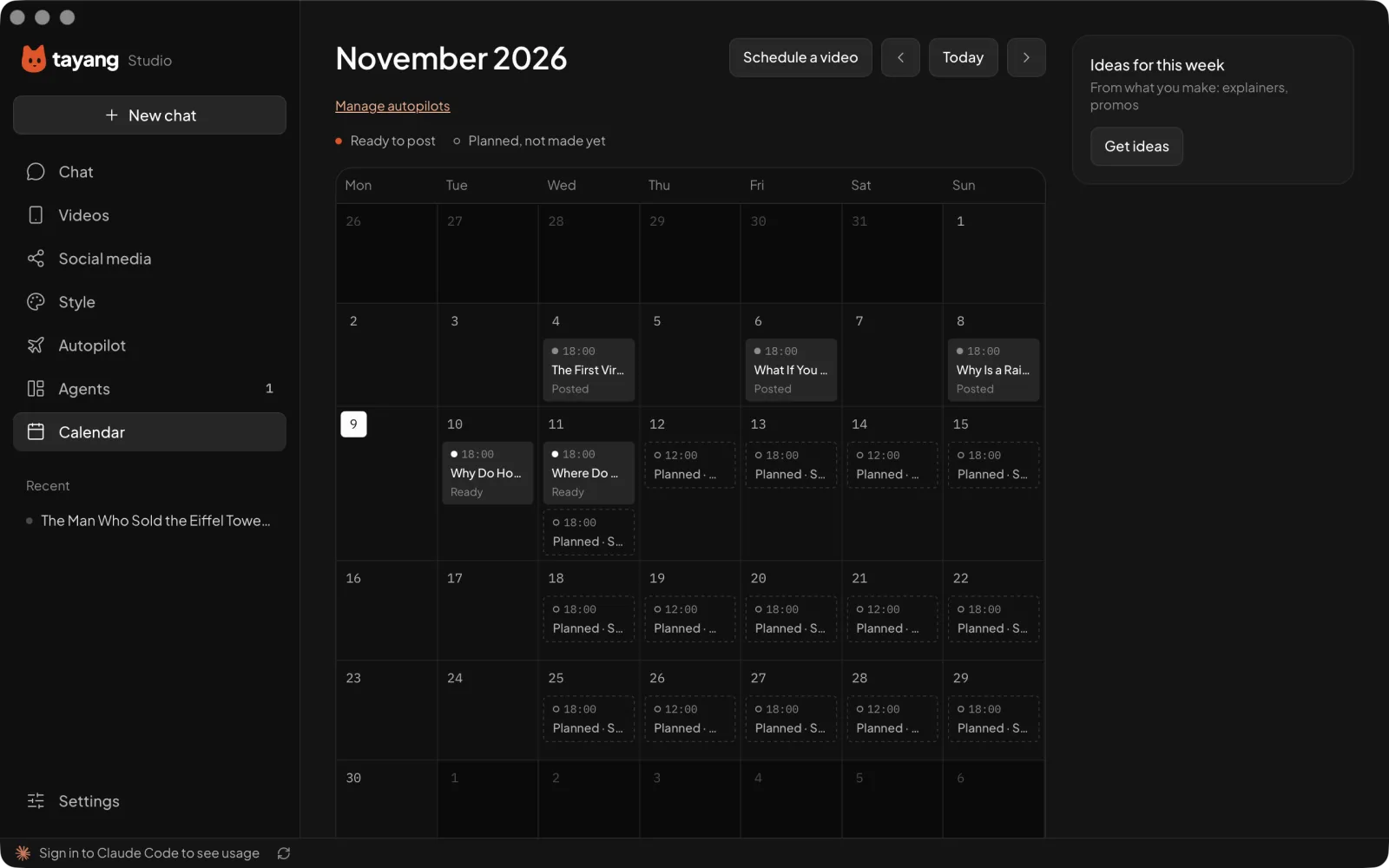
Post your finished videos straight from Tayang.
AI voiceover and images, plus posting.
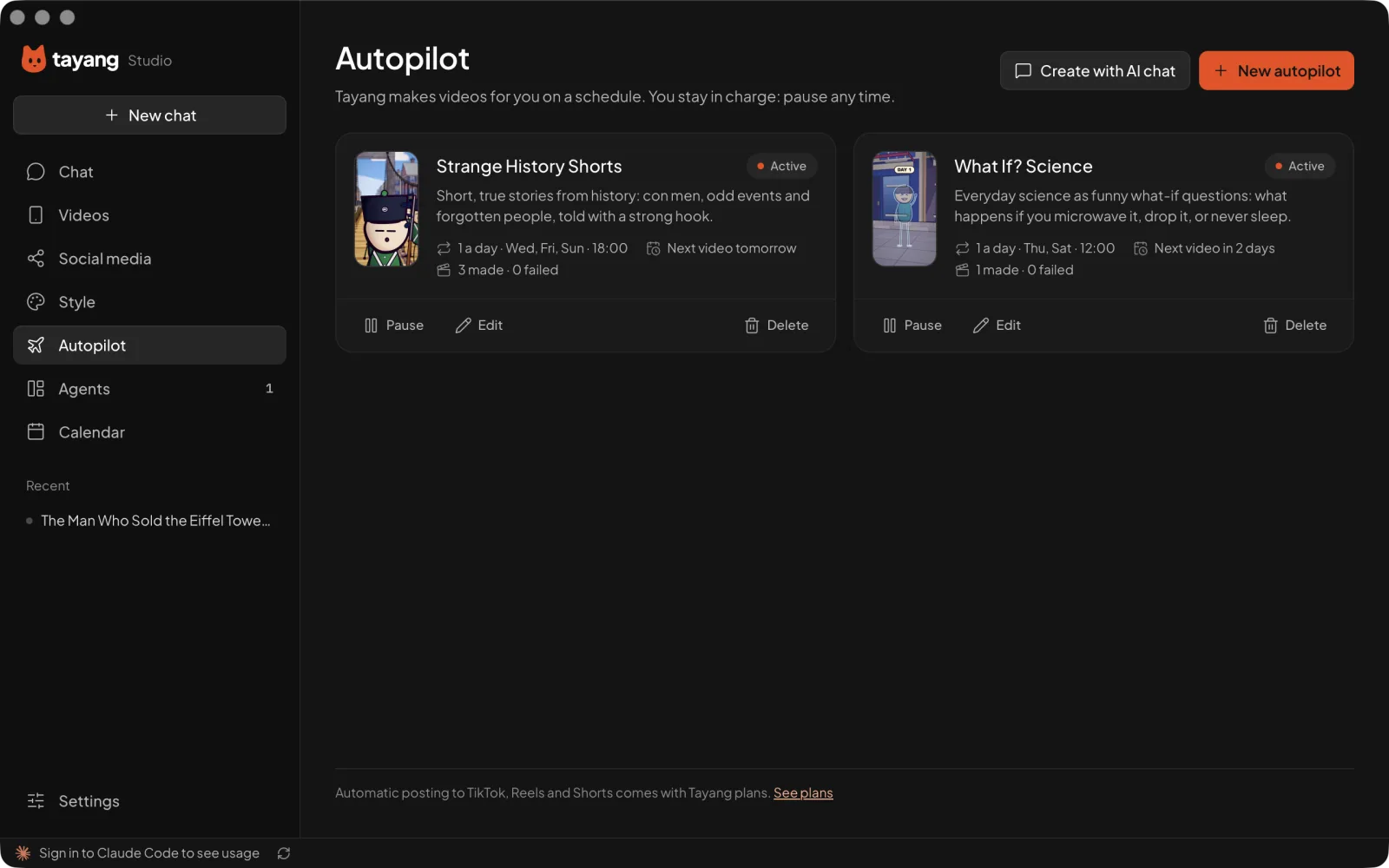
For channels that post every day.
Free and open source, for macOS, Windows and Linux. The quickest way in is one command: copy it, paste it and the app installs and opens itself.
curl -fsSL https://studio.tayang.app/install.sh | shTayang Studio is in beta. The group is where new versions are announced first, and where you can report bugs and talk to the people making it.
Something else? Ask on GitHub.
Yes. Everything you need to make a video is free and open source. Paid plans add auto-posting to your social accounts and AI credits for voiceover and images (see Pricing above), and you never need them to finish a video.
No. You pick topics, scripts and styles from suggestions, and ask for changes in plain words. Tayang writes the detailed instructions for your agent.
Claude Code, opencode, Gemini CLI, Codex, or any agent that speaks ACP (Agent Client Protocol). If you don’t have one yet, Tayang walks you through installing Claude Code.
Node.js 22 or newer, FFmpeg and Chrome. Tayang checks for them when you first open it, and your agent installs anything missing after you approve the commands. ElevenLabs is optional, for voiceover.
The beta isn’t signed by Apple or Microsoft yet, so your computer can’t confirm who made it. The install command above skips the warning. If you downloaded the app yourself, the steps next to the download show how to open it. The source code is public on GitHub if you want to check it.
No. Your projects stay in a folder on your computer. Tayang only sends anonymous crash reports if you turn them on.